MSI Kombustor
MSI Kombustor is a utility for testing GPU performance and graphic cards stress tests.



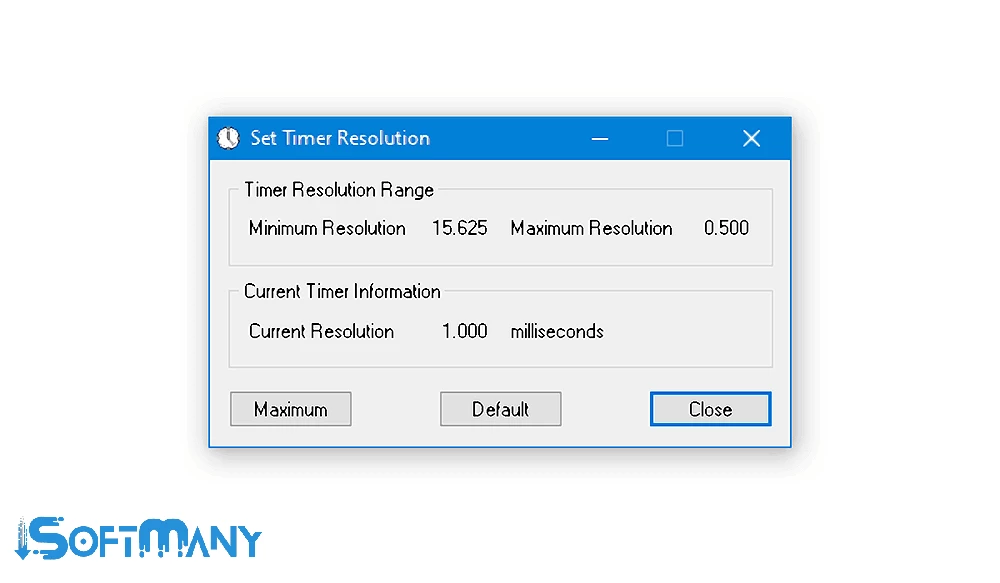
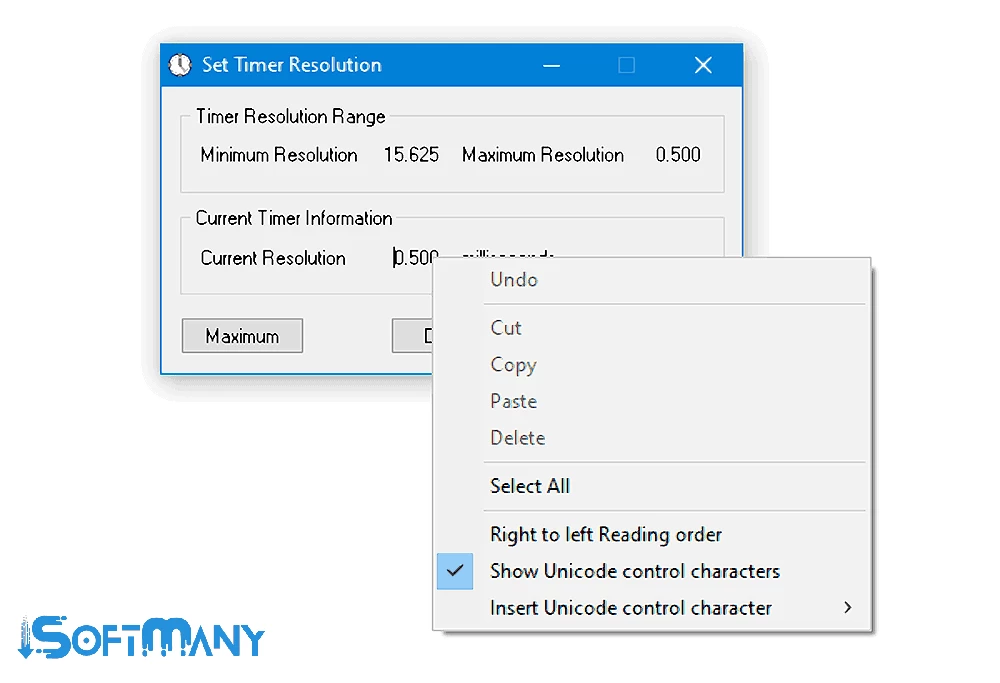

Timer Resolution is a default timer resolution that helps to adjust the timer settings, specifically useful for time-sensitive apps and games. It is an in-built tool for Windows operating systems that creates an awesome balance between functionality and power saving.
It is the best solution to fix the issue of changing of internal clock by system updates that can interrupt various tasks that rely on precise timing, such as most online games require accurate timing to improve the response, stabilize the performance frame rate, and so on.
Timer Resolution, developed by Lucas Hale, is a freeware tool that falls in the System Utilities category. It is an in-built tool for the Windows operating system, and available in the English language by default. It offers awesome improvements for time-precise applications, especially for games, by improving the FPS.
As the default timer of the Windows operating system varies between 10 and 25 milliseconds, and in case of using a code with a timer and a sleep value less than the timer resolution of your system, you couldn’t be capable of getting the accurate results. So, you can change the timer globally within the application easily.
The program offers a straightforward and hassle-free installation process. You can modify the settings without any additional configuration. Launch the app, and navigate to the main screen that is clean and fully organized. The minimalist design has current timer resolution settings and options within the flexibility of personalizing them according to your requirements, such as adjusting FPS and other system settings.
You will find two main options to adjust the system’s timer resolution, such as;
It is the best solution to reduce timer latency for achieving a smoother experience and managing your different time-sensitive applications more reliably.
Basically, the app is designed to set high time precision, because there is no need to change the time for casual everyday tasks. So, you can use it only for applications that require exact timing. It is specifically used in gaming; you can run your games smoothly and reduce lag while making the controls more responsive. Similarly, you can manage your other professional media projects while syncing audio and videos during multimedia playback.
You can enhance your performance in different apps or games while bypassing the normal timing behavior of your system, as multiple games depend upon the default timer for scheduling multiple tasks, such as updating game logic, syncing animations, and handling inputs. You can manage updates more reliably with high accuracy while tightening the resolutions.
It is the best choice for multiple games that require precision and timing, such as first-person shooters, racing games, and other competitive multiplayer titles. It optimizes your system while handling time-sensitive tasks, but does not transform low-end hardware into high-end performance.
The app offers a simple process while offering basic features, including start, pause, reset, and soon, along with interface buttons. It also streamlines workflow more reliably with support of custom hotkeys to manage controls. To use hotkeys, navigate to the Settings window and select the combinations for your workflow. The simplicity and flexibility offered by the app enable users to modify timing for different tasks, such as testing performance differences, or setup the tool for a gaming session.
You can also control the stopwatch timer for benchmarking, running time-sensitive processes, or testing software, as you can view time in milliseconds, seconds, minutes, and hours. Simply, go to the Settings window, and modify the default format. You will find buttons to control the stopwatch timer, and hotkeys also help to manage the stopwatch.
The app in a tiny size proves very lightweight and consumes very few resources. It is free of cost and supports nearly all Windows versions. It focuses on precision while measuring in smaller incremental units to offer accuracy.
Pros
Cons

MSI Kombustor is a utility for testing GPU performance and graphic cards stress tests.

Unlocker allows you to delete, move, and rename locked files from your operating system

Custom Resolution Utility (CRU) fine-tuning and customizing resolution on pc

GS Auto Clicker use for repetitive clicking of the mouse

Caffeine, a lightweight and free-to-use utility to prevent your PC from falling asleep or locking up

Windows 10 Update Assistant updates your pc to the latest version of Windows 10